Understanding Firewall Security: A Beginner's Guide to Network Protection
Understanding Firewall Security: Your Digital Gatekeeper
In today's interconnected world, protecting your digital assets is paramount. Whether you're an individual managing a home network or a business safeguarding sensitive data, understanding the fundamentals of network security is crucial. At the forefront of this defense lies the firewall, a critical component that acts as the gatekeeper to your network, meticulously inspecting all incoming and outgoing traffic. This guide will demystify firewall security, explaining its role, types, and how it forms your essential first line of defense against a myriad of cyber threats.
Key Points:
- What is a Firewall? A network security device that monitors and controls incoming and outgoing network traffic.
- Purpose: To establish a barrier between a trusted internal network and untrusted external networks (like the internet).
- How it Works: Filters traffic based on predefined security rules.
- Importance: Prevents unauthorized access, malware, and other malicious activities.
- Types: Various types exist, from software to hardware, each with specific functionalities.
What Exactly is a Firewall and Why is it Essential?
Imagine your network as a secure building. A firewall is the security guard at the entrance, checking the credentials of everyone who tries to enter or leave. Its primary function is to monitor and control network traffic based on a set of established security rules. By doing so, it creates a crucial barrier between your internal, trusted network (like your home Wi-Fi or company intranet) and external, untrusted networks (most commonly, the vast and often perilous internet).
The importance of firewalls cannot be overstated. Without one, your network is an open door for potential attackers. Malicious software, such as viruses and ransomware, could easily infiltrate your systems. Unauthorized users could gain access to sensitive information, or your network could be used for malicious activities without your knowledge. A well-configured firewall significantly reduces these risks, making it an indispensable tool for both personal and professional cybersecurity. For more insights into the threats firewalls mitigate, consider exploring articles on common cyberattack vectors.
How Do Firewalls Work? The Rules of Engagement
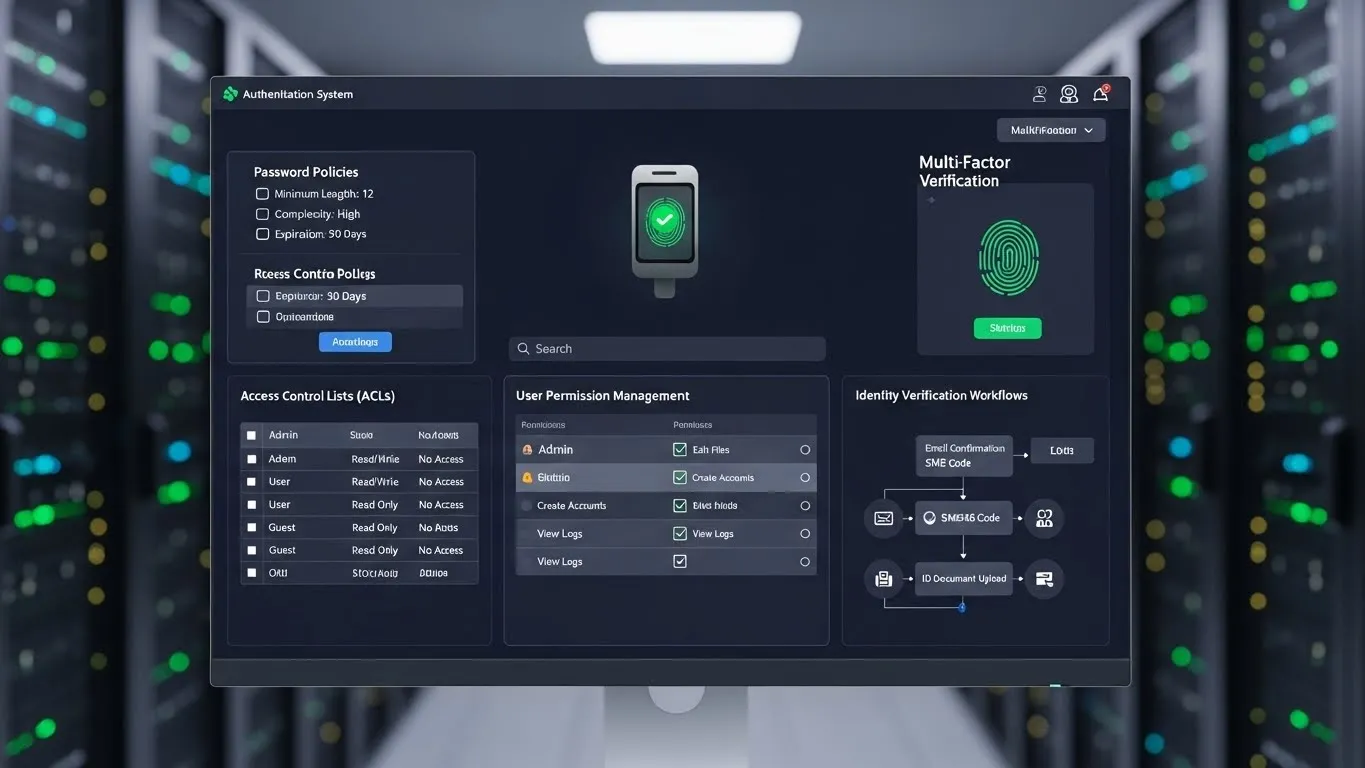
Firewalls operate by examining data packets – the small chunks of data that travel across networks. Each packet contains information about its origin, destination, and the type of data it carries. The firewall inspects these packets against a predefined set of rules, often referred to as an access control list (ACL). These rules dictate whether a particular packet should be allowed to pass through, blocked, or flagged for further inspection.
Think of these rules as a checklist: "Is this packet coming from a trusted source?" "Is it trying to access a port that is not authorized for external connections?" "Does the data content match any known malicious signatures?" Based on the answers to these questions, the firewall makes a decision. This process ensures that only legitimate and safe traffic can traverse your network, thereby protecting your devices and data from harm. The sophistication of these rules can vary, from simple packet filtering to complex application-aware inspections.
Different Flavors of Firewalls: A Look at the Types
Firewalls aren't one-size-fits-all. They come in various forms, each suited for different needs and environments. Understanding these types can help you choose the right protection for your specific situation.
Software Firewalls
These are programs installed directly onto individual computers or servers. They protect the specific device they are installed on.
- How they work: They monitor all network traffic entering and leaving the host computer.
- Pros: Easy to install and manage on a per-device basis, often included with operating systems (like Windows Firewall).
- Cons: Can consume system resources, and if compromised, the entire system is vulnerable. Their effectiveness is limited to the single device. For a deeper dive into endpoint security, readers can look into articles detailing antivirus and anti-malware solutions.
Hardware Firewalls
These are physical devices that sit between your network and your internet connection. They are typically found in business environments but are also common in home routers.
- How they work: They inspect all traffic passing between your network and the outside world before it reaches individual devices.
- Pros: Provide a robust first line of defense for an entire network, can handle high traffic volumes, and are less susceptible to direct software attacks.
- Cons: Can be more expensive and complex to set up initially.
Next-Generation Firewalls (NGFWs)
These are more advanced firewalls that go beyond traditional packet filtering. They incorporate features like deep packet inspection (DPI), intrusion prevention systems (IPS), and application awareness.
- How they work: They can identify specific applications regardless of the port they use, detect and block sophisticated threats like malware and zero-day exploits, and provide granular control over network access.
- Pros: Offer superior security by understanding the context of traffic, not just its source and destination.
- Cons: More complex, require specialized knowledge for management, and can be more costly. The trend towards integrated security platforms highlights their growing importance.
Cloud Firewalls (Firewall-as-a-Service - FWaaS)
With the rise of cloud computing, firewalls are now also offered as a cloud-based service.
- How they work: Security policies are managed centrally in the cloud, protecting all connected users and devices, whether they are in the office or remote.
- Pros: Scalable, flexible, and can provide consistent security for distributed workforces.
- Cons: Reliance on a third-party provider, and potential latency issues depending on the service.
Beyond the Basics: Key Firewall Security Features
Modern firewalls offer a range of features that enhance their protective capabilities. Understanding these can help you appreciate the full scope of their security prowess.
Packet Filtering
This is the most basic form of firewall functionality. It examines the header of each data packet to determine whether it should be allowed or denied entry. It typically looks at information like source and destination IP addresses and port numbers. While foundational, it's often not enough on its own against sophisticated attacks.
Stateful Inspection
This is a significant upgrade from simple packet filtering. A stateful firewall keeps track of the state of active network connections. It remembers the context of traffic flow, allowing it to make more intelligent decisions about whether a packet is part of an established, legitimate conversation. If a packet doesn't belong to an ongoing session, it's blocked. This is a crucial step in understanding firewall security for effective network protection.
Proxy Firewalls
Also known as application-level gateways, these firewalls act as intermediaries between your network and the internet. Instead of allowing direct connections, they establish two separate connections: one from the client to the proxy, and another from the proxy to the destination server.
- Pros: Can inspect traffic at the application layer, offering deeper security.
- Cons: Can introduce latency and may not be suitable for all types of traffic.
Intrusion Prevention Systems (IPS)
Many advanced firewalls integrate IPS capabilities. An IPS actively monitors network traffic for malicious activity and attempts to block it in real-time. It uses signature-based detection (matching known attack patterns) and anomaly-based detection (identifying unusual behavior). This proactive approach is vital for staying ahead of emerging threats.
Differentiated Value: What Sets Modern Firewalls Apart?
While the core function of a firewall remains constant, today's security landscape demands more. Modern firewalls are evolving to meet these challenges head-on.
Application Awareness and Control
A significant advancement in firewall technology is the ability to understand and control specific applications, not just ports and IP addresses. For example, a firewall can identify and block peer-to-peer file-sharing applications or limit the bandwidth used by social media sites, even if they try to disguise their traffic. This granular control is a key differentiator and a vital aspect of advanced network protection. A report from Gartner in 2024 highlighted the increasing demand for application-aware security solutions in enterprise environments.
Threat Intelligence Integration
Leading firewalls can now integrate with threat intelligence feeds. These feeds provide real-time updates on the latest malware, malicious IP addresses, and attack trends. By incorporating this live data, firewalls can dynamically update their rules to block threats that have only recently emerged, offering a more proactive defense than static rule sets. This dynamic approach is a critical innovation that was less common in older firewall generations.
Implementing Effective Firewall Security
Having a firewall is only the first step; configuring and maintaining it properly is crucial for optimal security.
Initial Configuration and Rule Sets
When setting up a firewall, it's essential to follow the principle of least privilege. This means only allowing the traffic that is absolutely necessary for your network's operation. Start with a default-deny policy (blocking everything) and then explicitly permit what is needed. Regularly review and update your rule sets to ensure they remain relevant and effective. For a deeper understanding of security policies, consider exploring related articles on access control best practices.
Regular Updates and Monitoring
Firewall software and firmware need to be kept up-to-date to patch vulnerabilities and incorporate new security features. Furthermore, regularly monitoring firewall logs is essential. These logs can reveal suspicious activity, attempted intrusions, and potential misconfigurations. Proactive monitoring can often catch threats before they cause significant damage.
Testing and Auditing
Periodically test your firewall's effectiveness. This can involve penetration testing or vulnerability assessments to identify any weaknesses. Regular security audits ensure that your firewall configuration aligns with your organization's security policies and industry best practices. A cybersecurity firm's 2025 audit report indicated that many small businesses were neglecting routine firewall audits, leaving them exposed.
Firewall Security in Practice: Real-World Scenarios
Consider a small business that relies heavily on cloud-based collaboration tools. A robust NGFW can not only protect their network from general internet threats but also prioritize and secure the traffic for their critical cloud applications. It can block any attempts to access unauthorized cloud services, ensuring that sensitive business data remains within secure channels.
For a home user, a router with a built-in hardware firewall, combined with the operating system's software firewall, provides layered protection. This setup can prevent malware from spreading from the internet to connected devices and block unauthorized access to home computers, safeguarding personal information and preventing the network from being used in botnets.
Frequently Asked Questions About Firewall Security
Q1: How often should I update my firewall? A: It's recommended to update your firewall's software and firmware as soon as updates are available. Manufacturers regularly release patches to address security vulnerabilities and improve performance.
Q2: Can a firewall protect me from viruses? A: A firewall is your first line of defense and can block many malicious downloads and network-based attacks that might deliver viruses. However, it's not a replacement for antivirus software, which is designed to detect and remove viruses already on your system.
Q3: What is the difference between a firewall and an antivirus program? A: A firewall acts like a guard at your network's entrance, controlling traffic flow. Antivirus software is like a doctor within your system, diagnosing and removing threats that may have bypassed other defenses. Both are essential components of a comprehensive security strategy.
Q4: Is a software firewall enough for home use? A: For basic protection, a software firewall is a good start. However, combining it with the hardware firewall in your router offers a more robust, layered defense. For enhanced security, consider upgrading to a router with advanced firewall features.
Conclusion: Fortifying Your Digital Defenses
Understanding firewall security is a foundational step towards building a resilient digital presence. Firewalls are not just complex technological tools; they are essential guardians of your network's integrity, protecting you from a constantly evolving threat landscape. By comprehending their functions, types, and best practices for implementation, you empower yourself to make informed decisions about safeguarding your valuable data and online activities.
Next Steps to Enhance Your Network Protection:
- Assess your current firewall: If you're using a home router, check its firewall settings and update its firmware.
- Enable software firewalls: Ensure the firewall on your computer's operating system is active.
- Research NGFWs: If you require more advanced protection for your business, investigate Next-Generation Firewalls.
- Stay informed: Keep up-to-date with the latest cybersecurity threats and firewall technologies.
We encourage you to share your experiences with firewall security in the comments below! What challenges have you faced, and what solutions have you found most effective? For readers interested in broadening their security knowledge, exploring articles on VPNs and encryption would be the logical next step.